Cable One has a spam filter that will by default block most invoices from TranSoft Labs. I have spoken with CableOne tech support and they cannot tell me why this is happening. The only solution is for you to add to your Approved Senders list in thier spam patrol application. This setting is not available or aparant using your email but must be done as explained below.
Here we will go through the steps for fixing it. You probably are not aware of this and need to know this even if you don’t want to recieve invoices from TranSoft Labs.
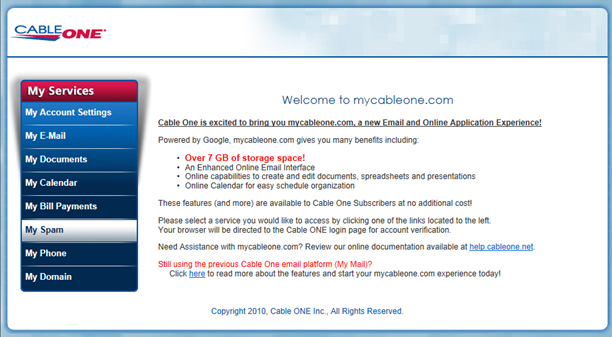
Start by logging into your account at: http://start.mycableone.com/ and Click on My Spam.
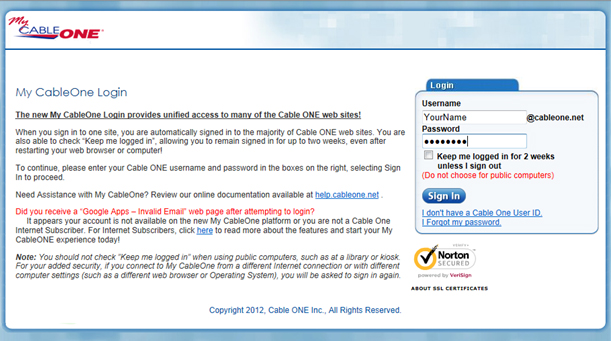
Login using your CableOne user name and password:
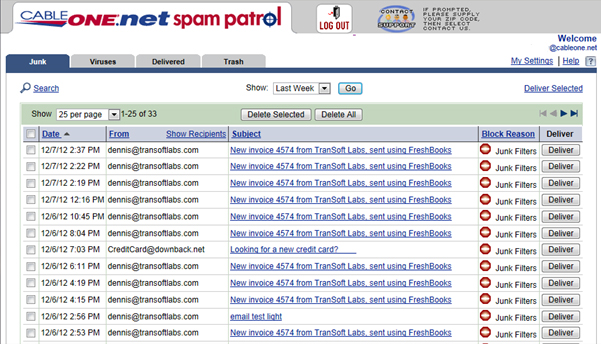
Click on My Settings.
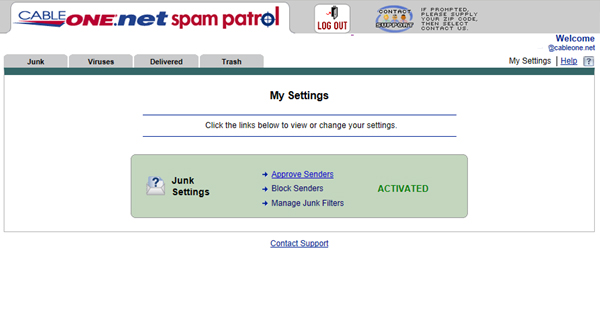
Then click on Approve Senders.
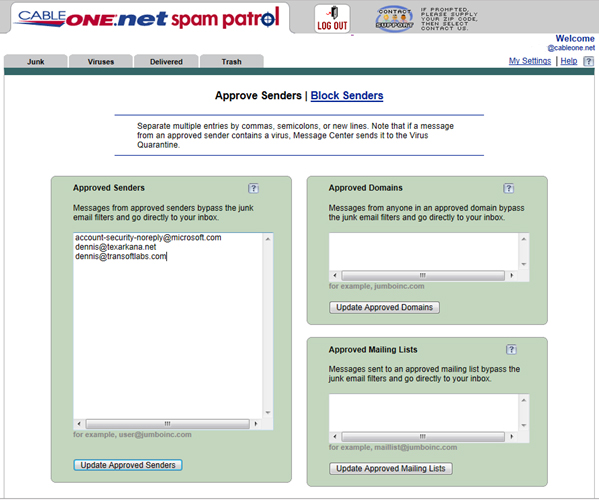
And then click on Update Approves Senders.
That’s it.
Thanks